USB Safeguard is a simple and small security utility designed to help users protect their USB flash drives and portable storage devices through encryption. It focuses on simplicity while remaining highly effective. The user interface is straightforward, prioritizing functionality over modern aesthetics.
While the usage of USB drives has decreased over the years with the emergence of cloud storage, they remain an effective physical way to keep data secure and share it locally. Users can encrypt and lock data behind a password using USB Safeguard without requiring any complex setup or technical knowledge.
Usage and protection
USB Safeguard is primarily intended for professionals who regularly carry important documents or sensitive files on their removable storage devices. While there are basic methods to hide files, proper password-protected encryption is significantly more secure. It can reduce the chances of unauthorized access if the drive is lost, stolen, or misplaced.
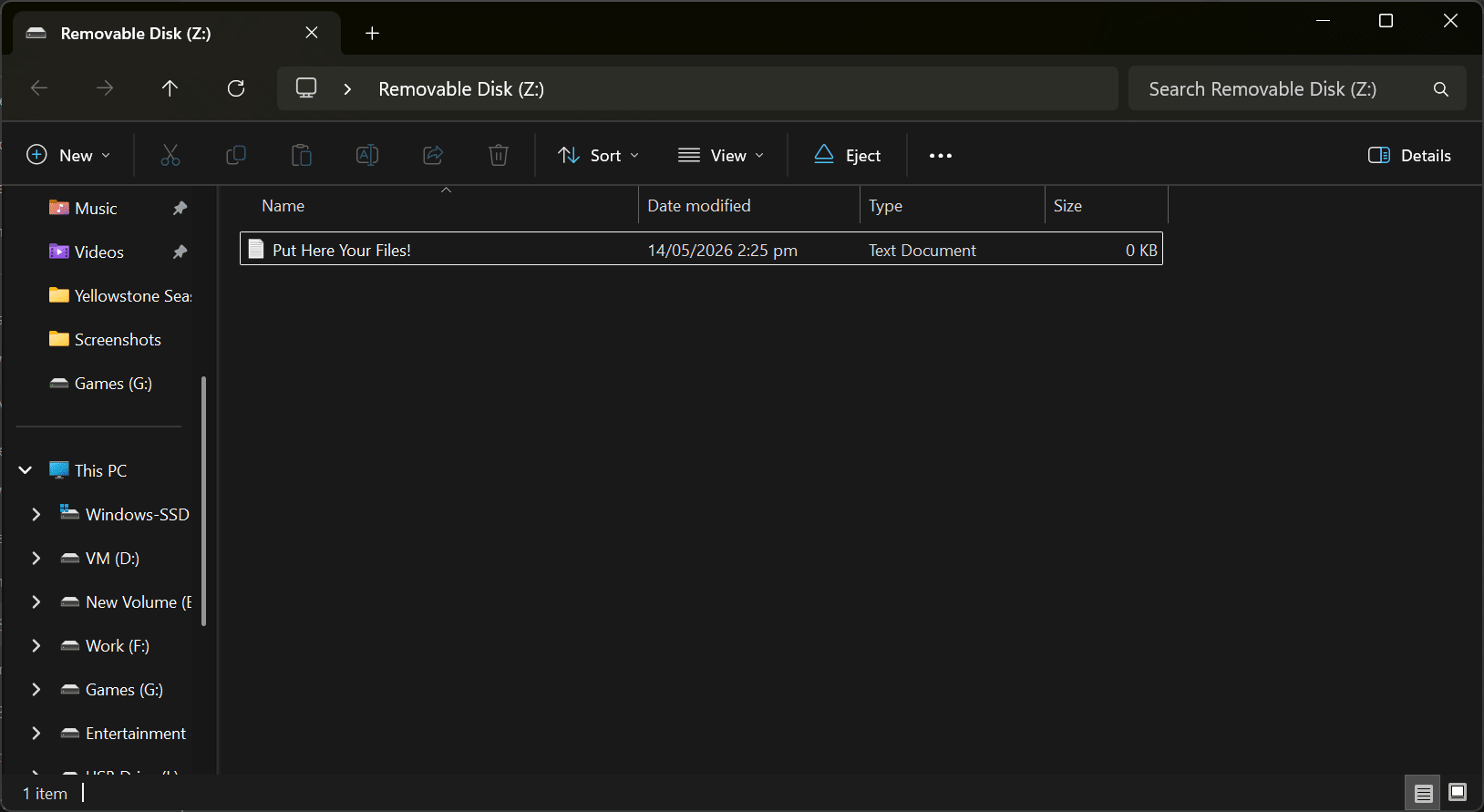
The ease of use is a standout feature, as it requires no complex setup or technical knowledge to get started. All you have to do is plug your drive into a Windows computer, run the software, and apply the encryption. Note that you must format the drive to NTFS for its first-time use. After that, it is fully password-protected. To access it, you will need to run the executable directly from the USB drive, as the software is 100% portable and requires no installation on the host PC.Encryption and password protection
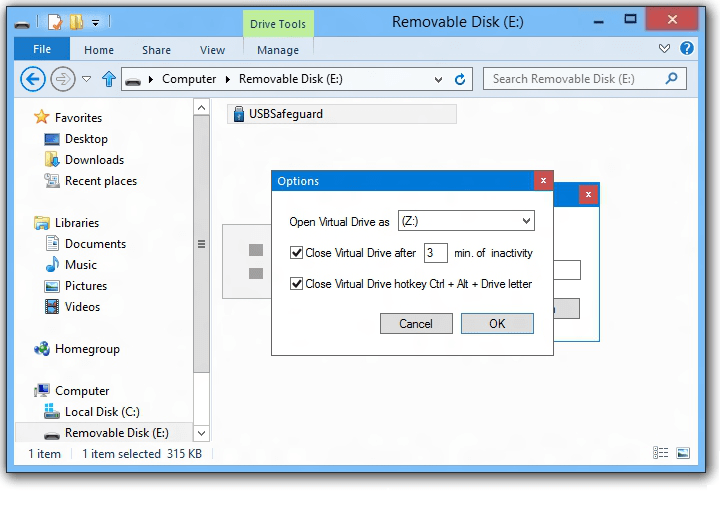
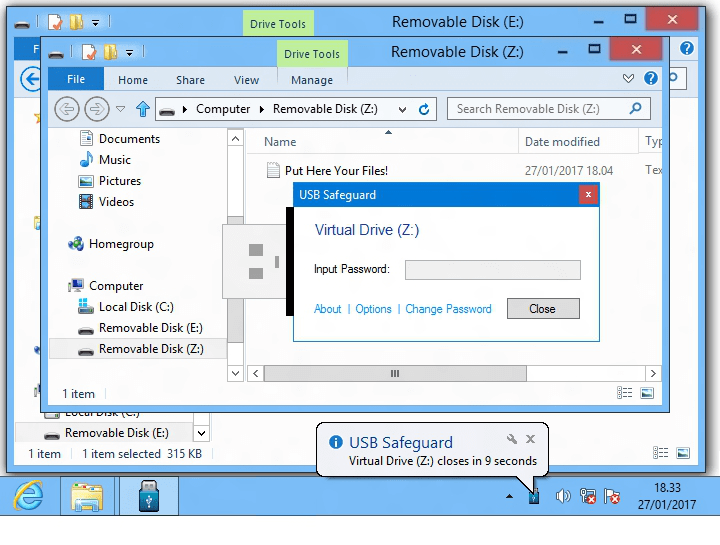
USB Safeguard uses enterprise-grade AES 256-bit encryption. The app will not open unless a removable drive is plugged in, but it works perfectly on all compatible USB drives. The application also includes useful security features like auto-locking when the user is inactive and instant locking if the drive is unplugged. Naturally, the files remain inaccessible to anyone without the correct password.Portability and price
One of the defining features of USB Safeguard is its portability. Because it is incredibly lightweight, you can use it anywhere without consuming significant storage or PC resources. You simply keep the executable on a USB drive and launch it whenever needed, bypassing any installation process.
The software comes in two versions: free and paid. The primary difference is that the free version only works on drives up to 4GB in size, while the paid version supports USB drives of any capacity. Pricing for the paid tier depends on your region and any ongoing promotions.A simple portable encryption solution for USB storage
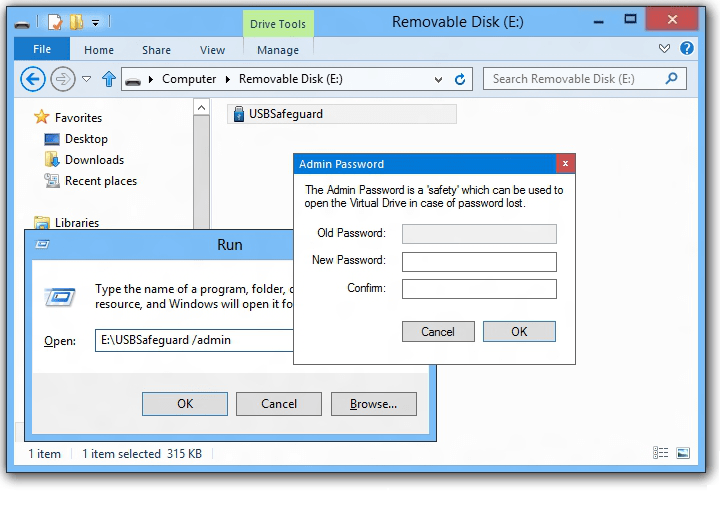
USB Safeguard offers a practical and lightweight way to protect files stored on USB flash drives. Because the encryption is highly secure, you must ensure you do not forget your password, as there is no option for data recovery. It lacks additional features outside of password-protecting USB drives, but that is the entire point of a simple, effective, and portable solution.